Showing posts with label Blog Layouts. Show all posts

More and more

Sunday, April 5, 2009


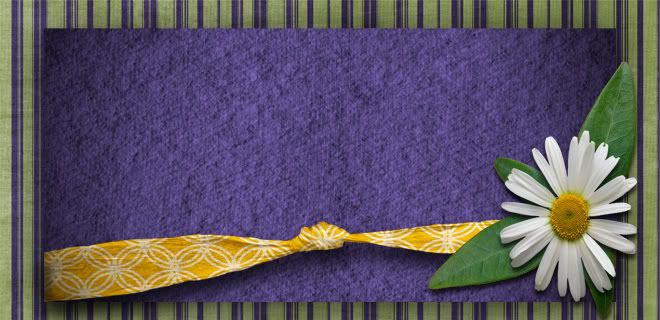
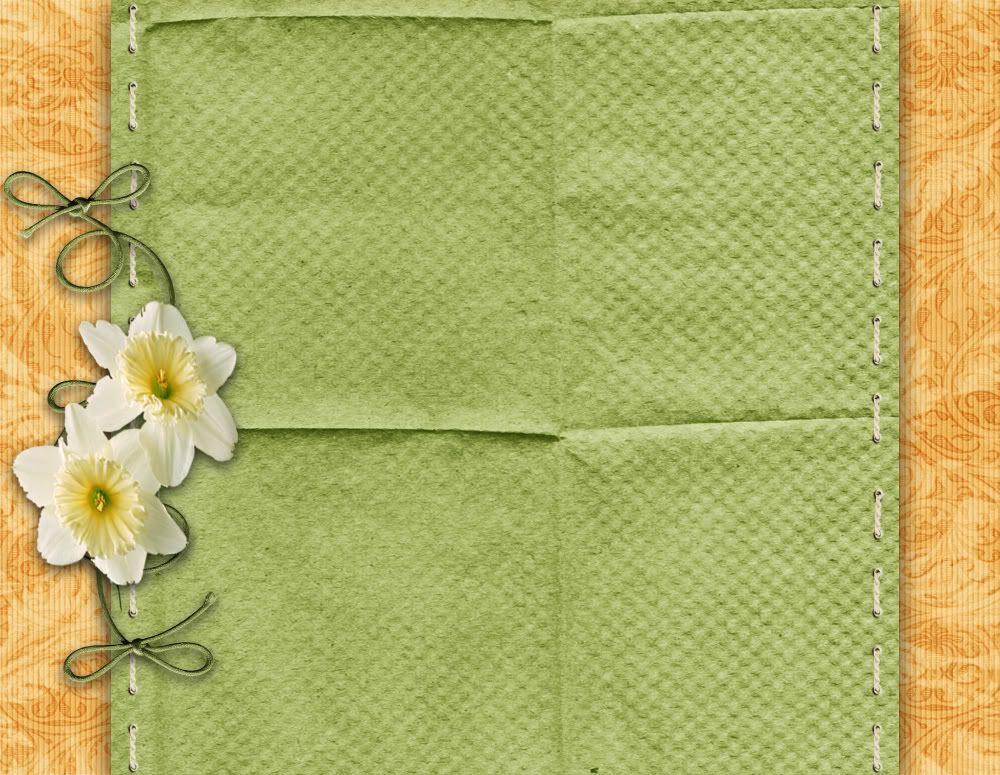
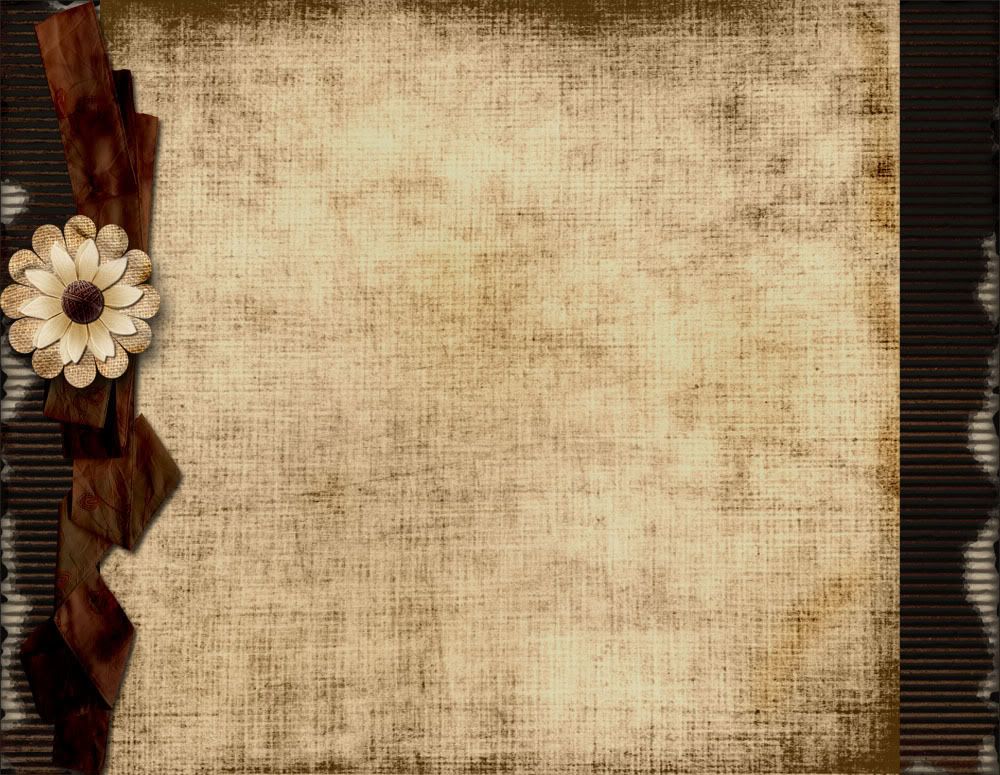
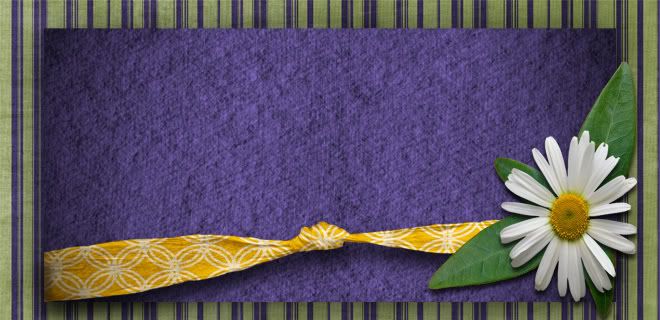
A couple new ones. Remember that there are instructions on the left under trouble shooting. If anyone doesn't have the photo edit software to add a picture and would like one added. Please just send me a picture @ tiffaniwebster@msn.com and I will MORE than willingly add it for you. Trust me I LOVE doing this stuff.
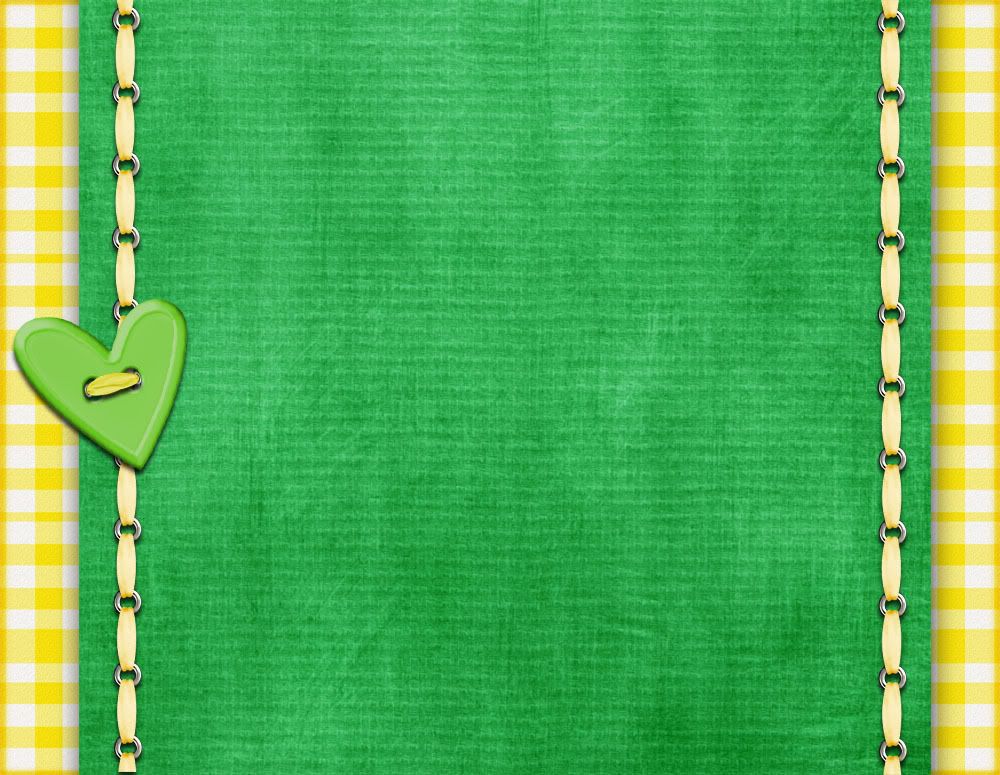
http://i282.photobucket.com/albums/kk262/webby31/thinkspringheader.jpg

http://i282.photobucket.com/albums/kk262/webby31/thinkspring.jpg


http://i282.photobucket.com/albums/kk262/webby31/oldencopy.jpg

http://i282.photobucket.com/albums/kk262/webby31/oldenHeader2.jpg

Springy backgrounds

Saturday, March 28, 2009


A couple more new layouts

Thursday, March 12, 2009

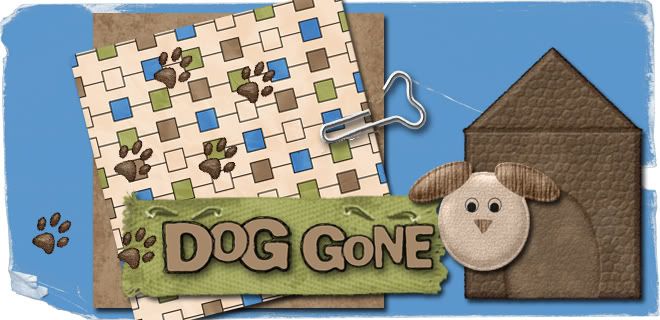
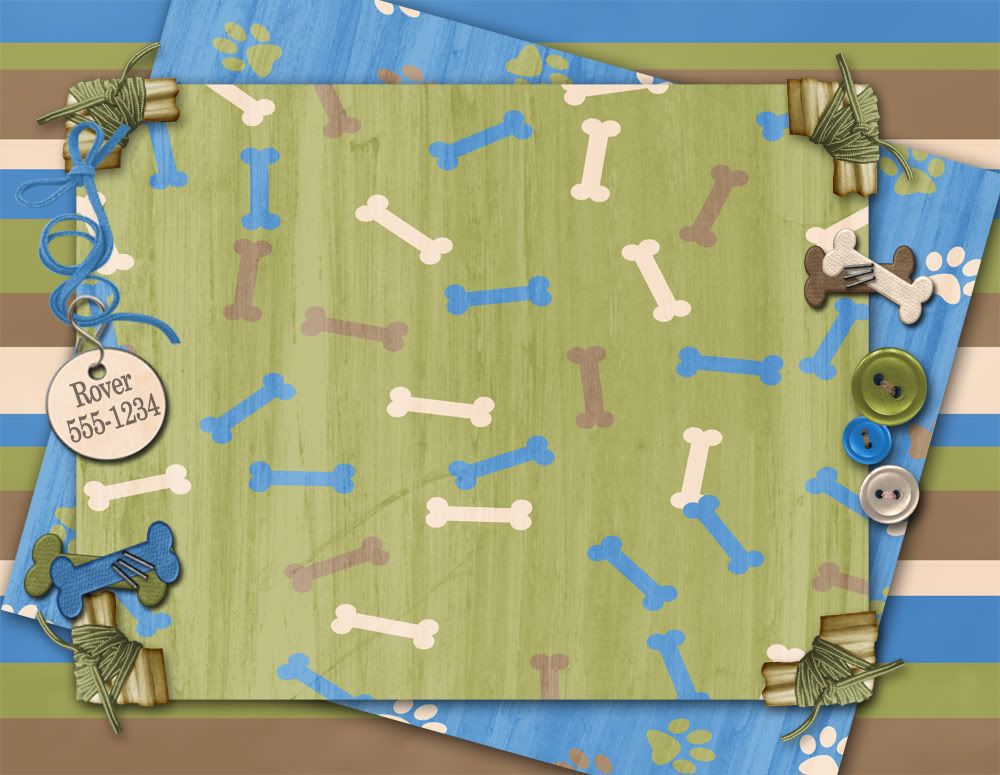
Here are 2 new Layouts for the dog lovers and the outlaws. Perty much covers most of us! :)

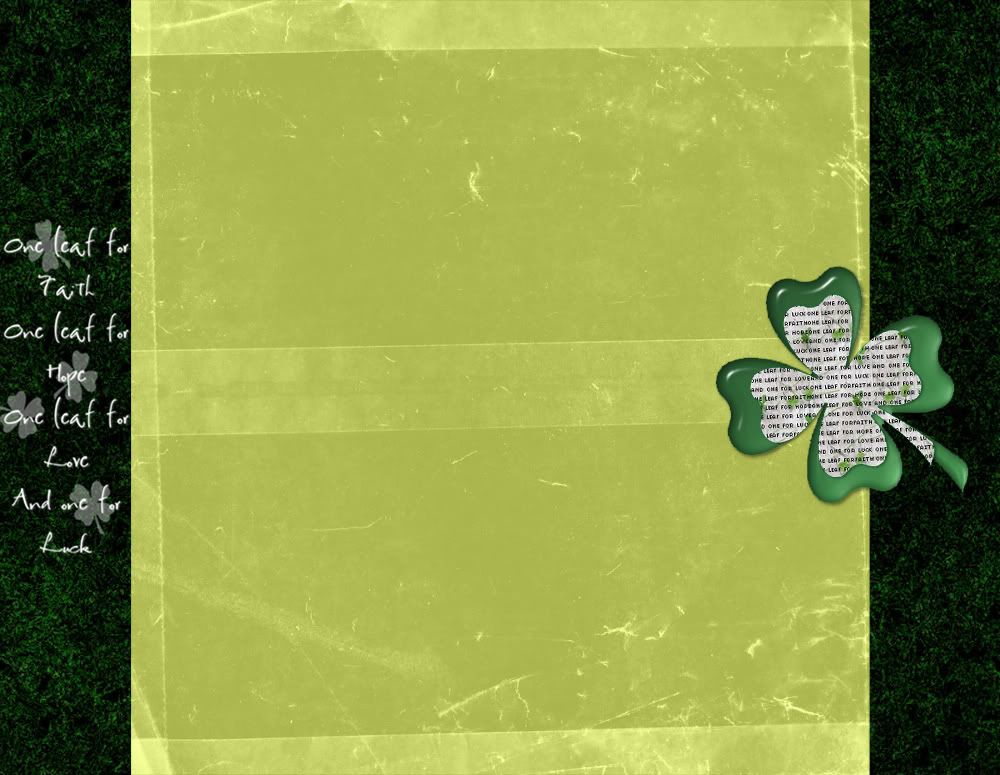
3 new backgrounds... Even a St Patty's Day

Thursday, March 5, 2009


http://i282.photobucket.com/albums/kk262/webby31/greenturqdreamheadercopy.jpg


Jolly Roger Chic

Friday, February 27, 2009

Here is my newest for anyone to use. Follow the directions on the side under trouble shooting. If you have any problems let me know.


A Blog for Lindsey

Saturday, February 21, 2009

Okay Lindsey you asked for one...here is your very own custom made blog.

Here is your Header. Click on the image and save to your computer or you can copy the Direct Link in the header section. Remember to select Reduce Image at the bottom before choosing the image.


Now for the Background. It works the same way as most of the other Blog Background sites.

1-In the 'Pick New Template' tab, you must change your template to 'minima' (not minima ochre or others, just plain white minima)

2-Log into to your blog and click on 'customize'

3-Click on 'edit html' on the far right

4- In thecode, scroll to where you see this: body {background:$bgcolor;margin:0; color:$textcolor; font:x-small Georgia Serif; font-size/* */:/**/small; font-size: /**/small; text-align: center;}

5-Change that part of the code to say this: body {background:$bgcolor;background-image:url(direct link);background-position: center; background-repeat:no-repeat; background-attachment: fixed;margin:0; color:$textcolor; font:x-small Georgia Serif; font-size/* */:/**/small; font-size: /**/small; text-align: center;}

6-Copy and paste the link below the background and paste it between the parenthesis where it says '(direct link)'


So there it is folks. If anyone else is interested give me an idea of what your looking for and what you want in the header and I will make it. Soon I will just add a bunch of back grounds, but I like to customize the blog header.

Blog Design

Monday, February 9, 2009

If there is any of you who care enough to look at my blog daily. You might have noticed I've changed my background numerous times. I am dabbling with Blog design but I haven't figured out the right dimensions yet. So when I do I plan on wasting all of my time making lots of back grounds and I will post them so that others can use them.

How to Load background

Wednesday, February 27, 2008

Now for the Background. It works the same way as most of the other Blog Background sites.

1-In the 'Pick New Template' tab, you must change your template to 'minima' (not minima ochre or others, just plain white minima)

2-Log into to your blog and click on 'customize'

3-Click on 'edit html' on the far right

4- In thecode, scroll to where you see this: body {background:$bgcolor;margin:0; color:$textcolor; font:x-small Georgia Serif; font-size/* */:/**/small; font-size: /**/small; text-align: center;}

5-Change that part of the code to say this: body {background:$bgcolor;background-image:url(direct link);background-position: center; background-repeat:no-repeat; background-attachment: fixed;margin:0; color:$textcolor; font:x-small Georgia Serif; font-size/* */:/**/small; font-size: /**/small; text-align: center;}

6-Copy and paste the link below the background and paste it between the parenthesis where it says '(direct link)'

NOW if you are having troubles make sure you don't still have a gadget code in there with the old background. You will want to make sure and remove that also.